Signing out
Signing out of TruCap+ is a crucial step to ensure the security of your account and data. This process ensures that unauthorized access is prevented, safeguarding sensitive information. This guide provides clear instructions on how to properly log out of TruCap+ to maintain the integrity of your account.
Note:
If you encounter any issues, contact your system administrator.
To log out of TruCap+, follow these steps:
-
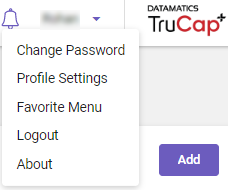
In the top-right corner of TruCap+ page, click the
 drop-down arrow and go to Logout.

-
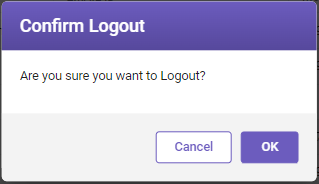
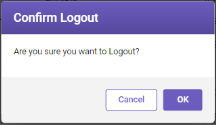
The Confirm Logout window opens.
-
Click OK to log out of TruCap+.